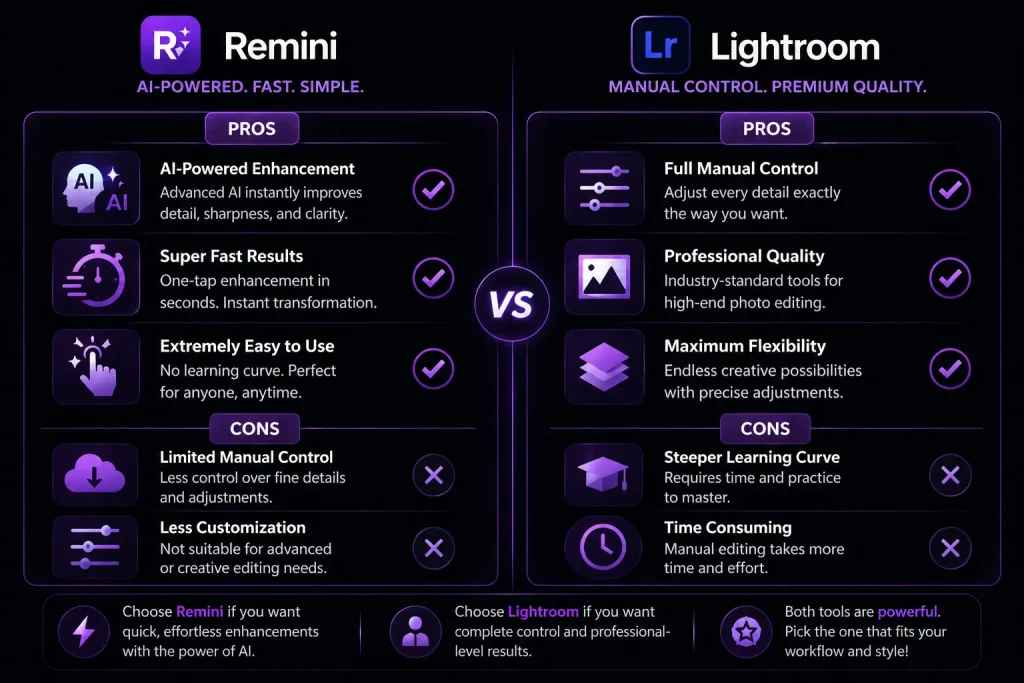
Remini vs Lightroom – Which App Is Better for Photo Enhancement?

Blurry photos, dull colors, or low-quality images can ruin even your best moments. If you’ve searched for a solution, you’ve probably come across Remini and Adobe Lightroom.

But here’s the real question:

  • Remini vs LightroomWhich one actually gives better results for your photos?
  • Do you even need both apps?

This guide doesn’t just explain features — it helps you choose the right app instantly based on your needs.
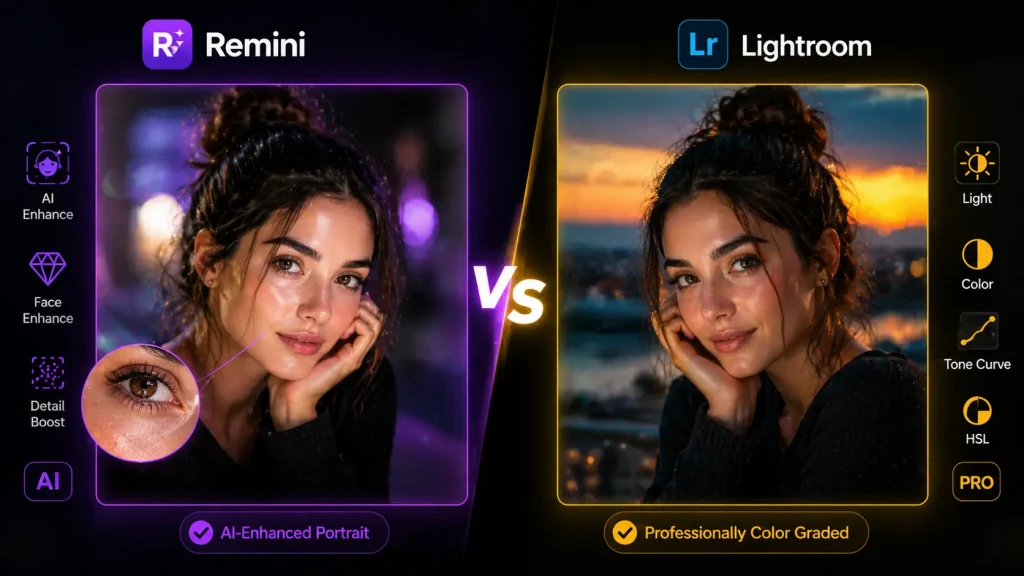
Remini vs Lightroom

Quick Answer (If You Don’t Want to Read Everything)

Choose Remini if:

  • Your photos are blurry or low quality
  • You want instant AI enhancement
  • You don’t want to learn editing

Get the latest Remini Pro Apk version!

Choose Lightroom if:

  • You want professional-looking edits
  • You care about colors, tones, and aesthetics
  • You’re okay with learning editing tools

Simple truth:
Remini = Fix photos
Lightroom = Create beautiful photos

Before we move forward, let’s do a quick Remini vs Lightroom Visual Comparison on how your images should look if edited using both Remini and Lightroom.
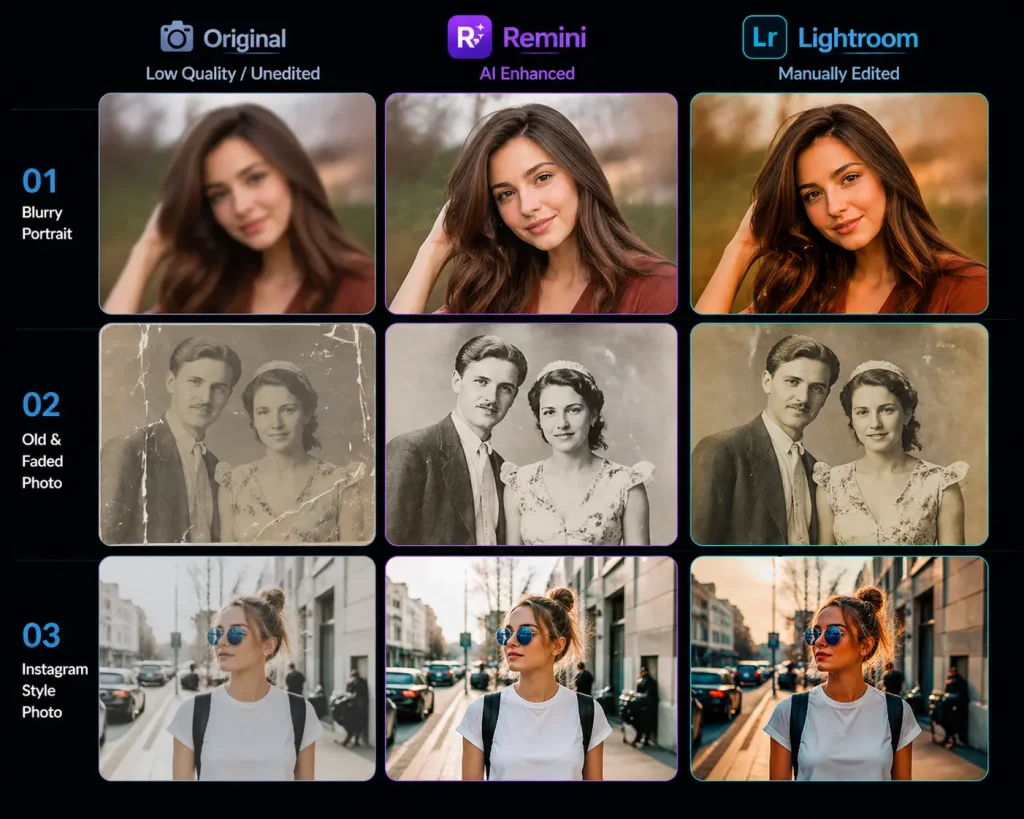
Remini vs Lightroom-Visual Comparison

What is Remini?

Remini is an AI-powered photo enhancement app designed to fix bad-quality images automatically. It analyzes your photo and rebuilds details — especially faces — in seconds.

Key Features:

  • AI face enhancement
  • Blur removal
  • Old photo restoration
  • Image upscaling
  • One-tap editing

 Best for: People who want instant results without editing

What is Lightroom?

Adobe Lightroom is a professional photo editing app used by photographers and creators. Instead of automatic fixes, it gives you full control over every detail of your image.

Key Features:

  • Advanced color grading
  • Exposure & lighting control
  • Presets for quick edits
  • AI masking tools
  • Professional editing workflow

Best for: Users who want control and high-quality aesthetics

Core Difference (This Is What Actually Matters)

  • Remini → Automatically fixes your photo using AI
  • Lightroom → Lets you manually enhance your photo

If your photo is already good → Lightroom wins
If your photo is bad → Remini wins
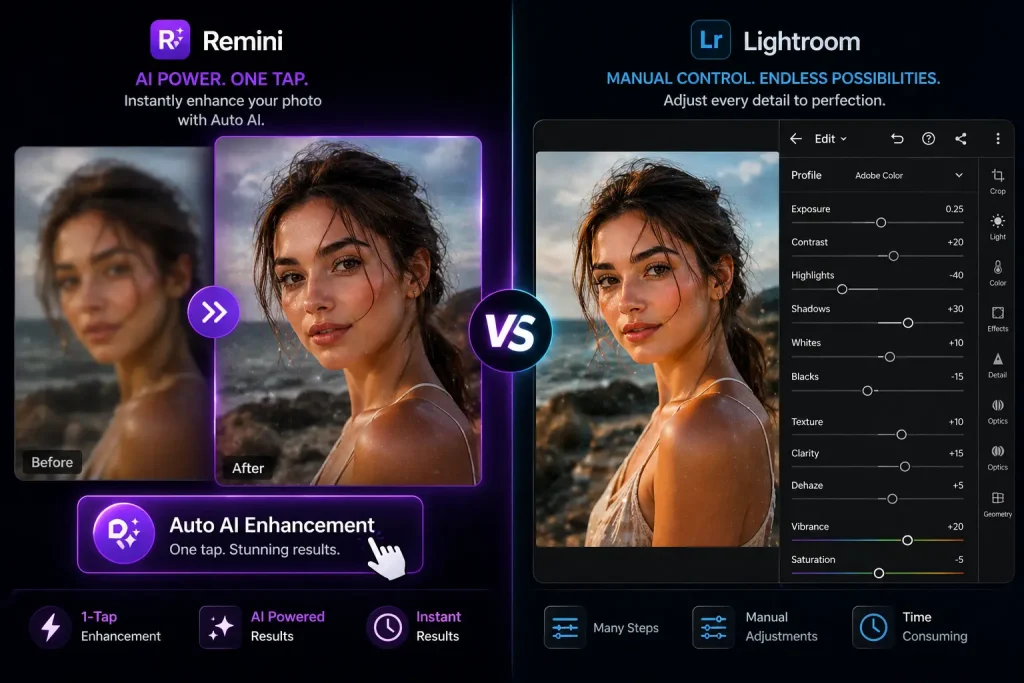
Remini vs Lightroom-Core differences

Real-World Performance Comparison

1. Fixing Blurry Photos

  • Remini: ⭐⭐⭐⭐⭐ (Rebuilds face details using AI)
  • Lightroom: ⭐⭐☆☆☆ (Can only sharpen slightly)

Winner: Remini

2. Editing for Instagram / Social Media

  • Remini: ⭐⭐☆☆☆ (Can look over-processed)
  • Lightroom: ⭐⭐⭐⭐⭐ (Professional, aesthetic results)

 Winner: Lightroom

3. Restoring Old Photos

  • Remini: ⭐⭐⭐⭐⭐ (Best-in-class AI restoration)
  • Lightroom: ⭐⭐☆☆☆ (Only improves lighting/colors)

Winner: Remini

4. Professional Photography

  • Remini: ⭐⭐☆☆☆
  • Lightroom: ⭐⭐⭐⭐⭐

Winner: Lightroom

Can Lightroom Replace Remini?

Short answer: No.

Lightroom cannot:

  • Rebuild facial details
  • Restore heavily blurred images
  • Use AI to reconstruct lost details

It enhances — it doesn’t recreate

Can Remini Replace Lightroom?

Also no.

Remini cannot:

  • Do advanced color grading
  • Create cinematic looks
  • Offer detailed manual control

It fixes quality — but lacks creative control

Best Workflow (Use Both Like a Pro)

If you want the best results possible, use both apps:

  1. Use Remini → Fix blur & enhance details
  2. Import into Lightroom → Adjust colors & lighting

This combo gives DSLR-like results from phone photos

Ease of Use

  • Remini: One tap → Done (Beginner-friendly)
  • Lightroom: Learning curve (but powerful)

If you hate editing → Remini
If you enjoy control → Lightroom
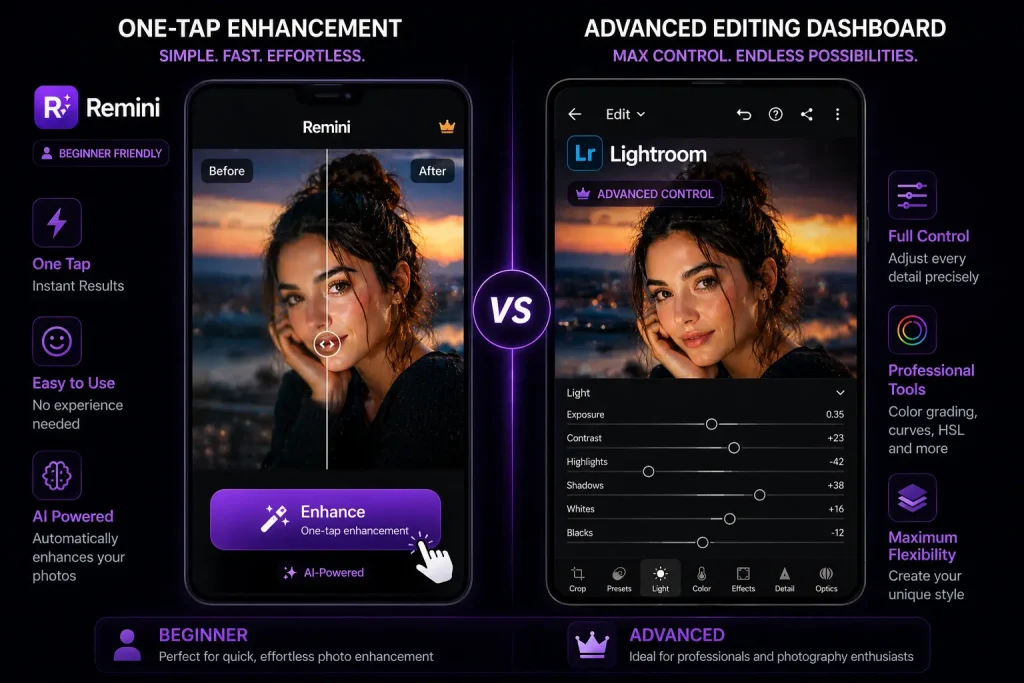
Remini vs Lightroom-Ease of Use

Pricing Comparison

Remini

  • Free version (limited use)
  • Paid plans for unlimited AI enhancements
  • Ads in free version

Lightroom

  • Free basic tools
  • Premium subscription (Adobe plan)
  • Includes cloud syncing

Performance & Speed

  • Remini:
  • Requires internet
  • Fast AI processing
  • Can lag on slow connections
  • Lightroom:
  • Works offline
  • Smooth performance
  • Depends on device power

Checkout Remini vs Fotor comparison guide! Also you can comapre Remini and Lightroom with other photo-editing apps.

Pros and Cons

Remini

Pros

  • Instant results
  • Best AI restoration
  • Extremely easy to use

Cons

  • Limited control
  • Can look unnatural
  • Requires internet

Lightroom

Pros

  • Professional results
  • Full editing control
  • Beautiful color grading

Cons

  • Takes time to learn
  • Not ideal for fixing bad photos
Remini vs Lightroom-pros and cons

Final Recommendation (No Confusion)

  • If you are a beginner or casual user → Go with Remini
  • If you are a content creator or photographer → Go with Lightroom
  • If you want best possible results → Use BOTH

Final Verdict

Remini and Lightroom are not competitors — they solve different problems.

  • Remini = Best for fixing bad photos instantly
  • Lightroom = Best for creating professional-quality images

If you choose based on your needs, you won’t go wrong.

FAQs

👉 For fixing blurry photos: Yes
👉 For editing and aesthetics: No

Remini is the best app for selfies beacause it’s face enhancement is unmatched.

 Yes, its is but it requires some learning.

Yes sometimes it can over-process images which in result reduces the image quality.

Lightroom because it provides more natural and aesthetic edits.