
Remini Pro vs VSCO – Which is Better for Photo Editing?
Mobile photography has improved a lot in recent years. With powerful cameras on smartphones and the rise of AI photo editing tools, anyone can create professional-looking images in minutes. Among the many editing apps available today, two names often come up in discussions: Remini and VSCO.
Both apps are widely used by people who want to improve their photos for social media or personal projects. However, they approach photo editing in very different ways. One focuses heavily on AI photo enhancement, while the other emphasizes creative filters and manual editing tools.
So the real question is: Remini Pro vs VSCO – which is better for photo editing?
In this detailed guide, we will compare their features, editing capabilities, pricing, and overall user experience so you can decide which app suits your needs.
Understanding the Purpose of Each App
Before comparing features, it helps to understand what each app is designed for.
Remini Pro
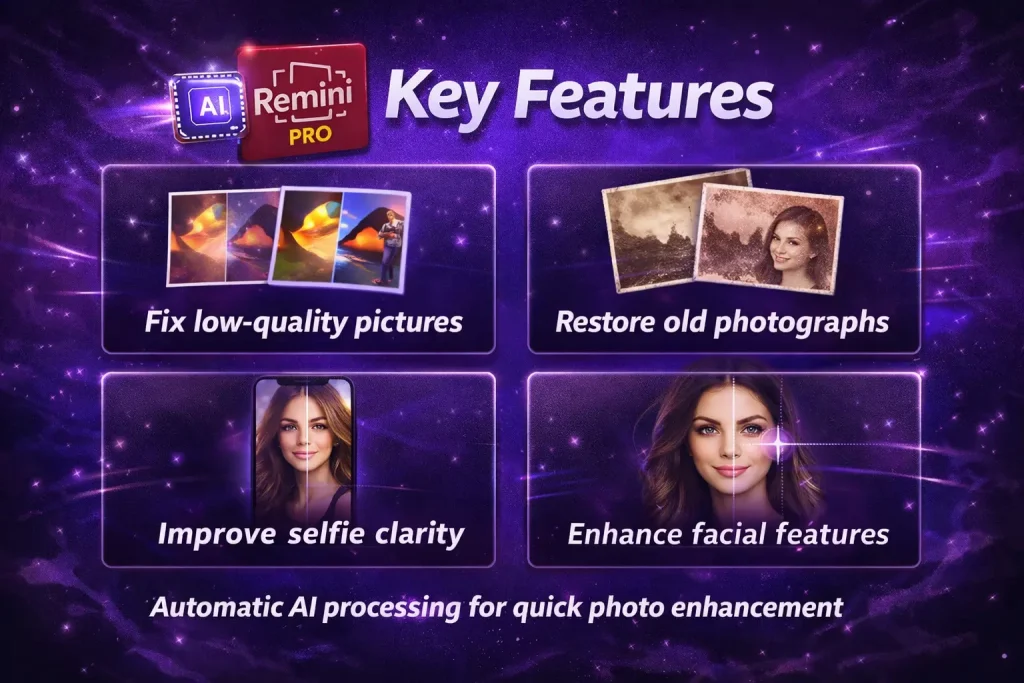
Remini is mainly known for its AI image enhancement technology. The app uses artificial intelligence to sharpen blurry photos, restore old images, and improve facial details. It is especially popular among people who want to:
- Fix low-quality pictures
- Restore old photographs
- Improve selfie clarity
- Enhance facial features
Instead of manually adjusting dozens of settings, Remini relies on automatic AI processing to improve photo quality in just a few seconds.
VSCO
VSCO takes a completely different approach. Instead of automatic AI improvements, it focuses on creative photo editing and artistic filters. The app gives users a wide range of presets and manual tools to create specific visual styles.
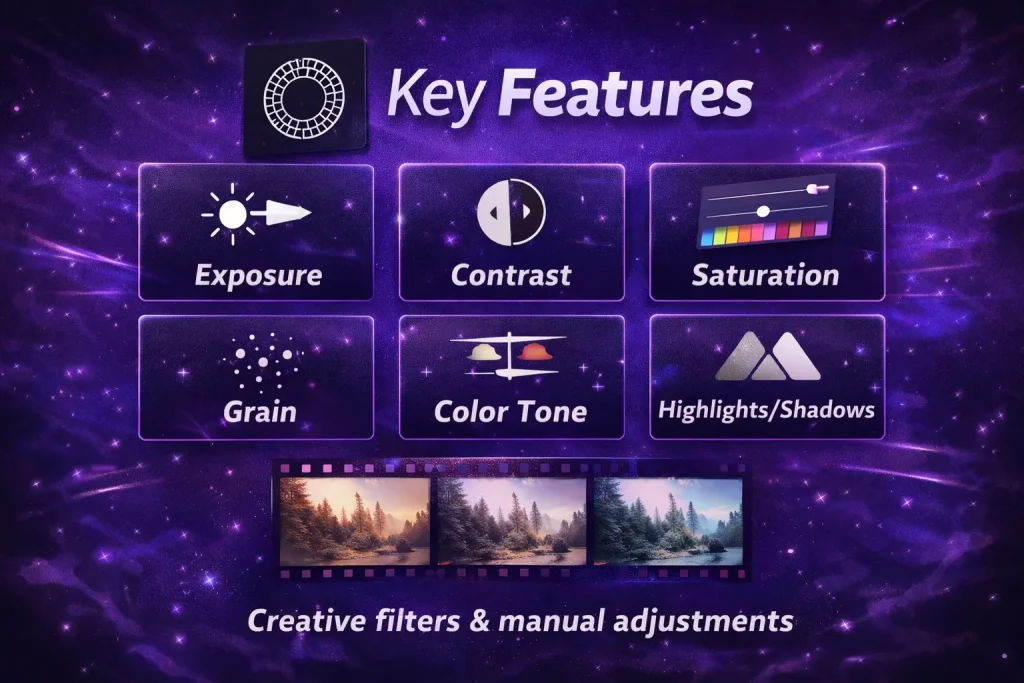
Users can adjust:
- Exposure
- Contrast
- Saturation
- Grain
- Color tone
- Highlights and shadows
VSCO also offers hundreds of filters inspired by film photography, which helps photographers create a consistent visual style.
In simple terms:
- Remini = AI photo enhancement
- VSCO = Creative photo editing
AI Photo Enhancement: Remini’s Biggest Strength
One of the biggest advantages of Remini Pro is its advanced AI technology.
If you have ever taken a photo that looks blurry or pixelated, Remini can significantly improve it. The app uses machine learning to analyze the image and rebuild missing details. This is especially useful for:
- Old family photos
- Low-resolution images
- Zoomed photos
- Poor lighting pictures
Remini’s AI tools can:
- Sharpen faces
- Improve skin details
- Reduce noise
- Enhance color balance
The process is simple. You upload the image, tap the enhancement option, and the AI automatically improves the photo. This is why many beginners prefer Remini—it requires almost no editing knowledge.
For users who want quick improvements without learning complicated editing techniques, Remini Pro is a strong choice.
Creative Filters and Presets: VSCO’s Strong Point
While Remini focuses on clarity and restoration, VSCO focuses on style and creativity.
The app is widely known for its high-quality presets. These presets mimic the look of classic film cameras, giving photos a cinematic and artistic feel. Some filters produce:
- Vintage tones
- Warm cinematic colors
- Soft pastel aesthetics
- High-contrast black-and-white styles
VSCO offers more than 200 presets and editing options, allowing photographers to create unique looks for their photos. Many influencers and photographers use VSCO because it helps maintain a consistent Instagram aesthetic.
For example, if someone wants their social media feed to have the same color tone across all photos, VSCO makes it easy to apply similar edits.
Ease of Use and User Interface
Both apps are designed to be beginner-friendly, but they serve different types of users.
Remini User Experience
Remini is built around simplicity and automation. The interface is straightforward and focuses on quick results.
Typical workflow:
- Upload a photo
- Choose an AI enhancement feature
- Let the app process the image
- Download the improved version
Because most of the work is done by AI, editing takes only a few seconds.
This makes Remini ideal for people who:
- Want fast photo improvements
- Prefer automatic editing
- Do not want to learn advanced editing tools
VSCO User Experience
VSCO requires more hands-on editing. Instead of automatic improvements, users adjust different settings using sliders and presets.
Typical workflow:
- Import your photo
- Choose a filter or preset
- Adjust exposure, color, and contrast
- Fine-tune the details
This process gives users more creative control, but it may take longer compared to Remini.
For people who enjoy experimenting with editing styles, VSCO provides a much deeper editing experience.
Editing Tools and Features
Let’s take a closer look at the editing tools available in both apps.
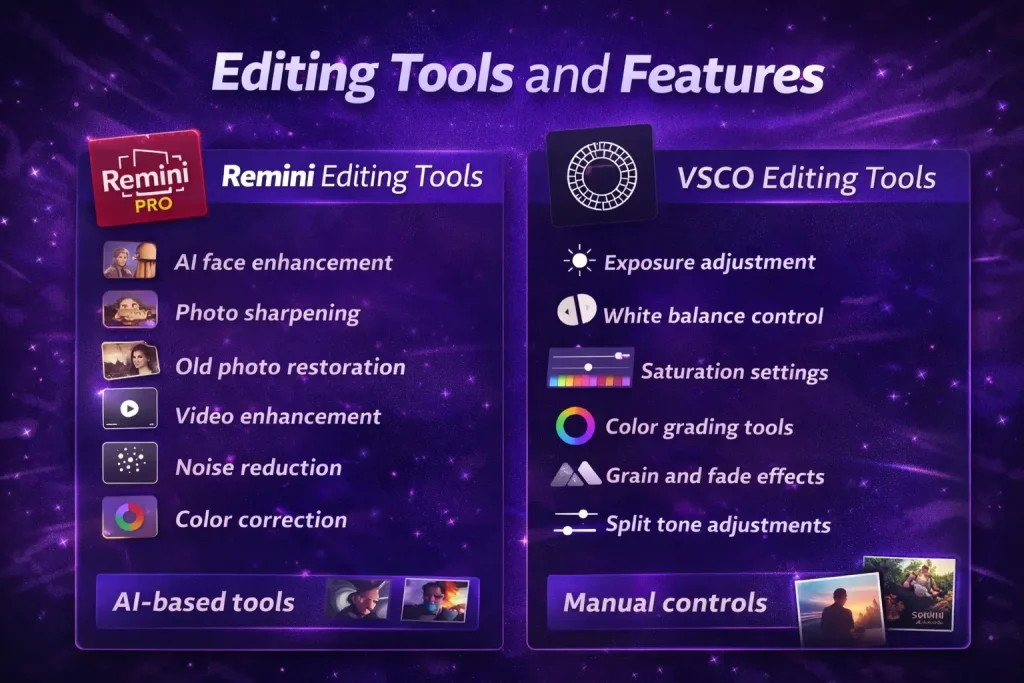
Remini Editing Tools
Remini’s core features focus on AI-based improvements:
- AI face enhancement
- Photo sharpening
- Old photo restoration
- Video enhancement
- Noise reduction
- Color correction
Many of these tools work automatically, which is why the app is popular among users who want quick photo fixes.
However, Remini offers fewer manual editing options compared to other apps.
VSCO Editing Tools
VSCO provides a wide range of manual editing controls, including:
- Exposure adjustment
- White balance control
- Saturation settings
- Color grading tools
- Grain and fade effects
- Split tone adjustments
These tools allow users to completely transform the look of their photos.
Another unique feature of VSCO is its creative community, where users can share photos and discover inspiration from other photographers.
Social Media and Sharing Features
Another major difference between these two apps is their social features.
Remini
Remini is mainly focused on editing and enhancement. It does not have a strong built-in social platform. Users usually edit photos and then share them on apps like:
VSCO
VSCO includes its own social sharing community.
Users can:
- Publish photos to the VSCO feed
- Follow other creators
- Explore photography styles
- Build a personal portfolio
This feature makes VSCO appealing to photographers who want both editing tools and a creative community in the same app.
Pricing Comparison
Pricing is another important factor when choosing between these two apps.
Remini Pro Pricing
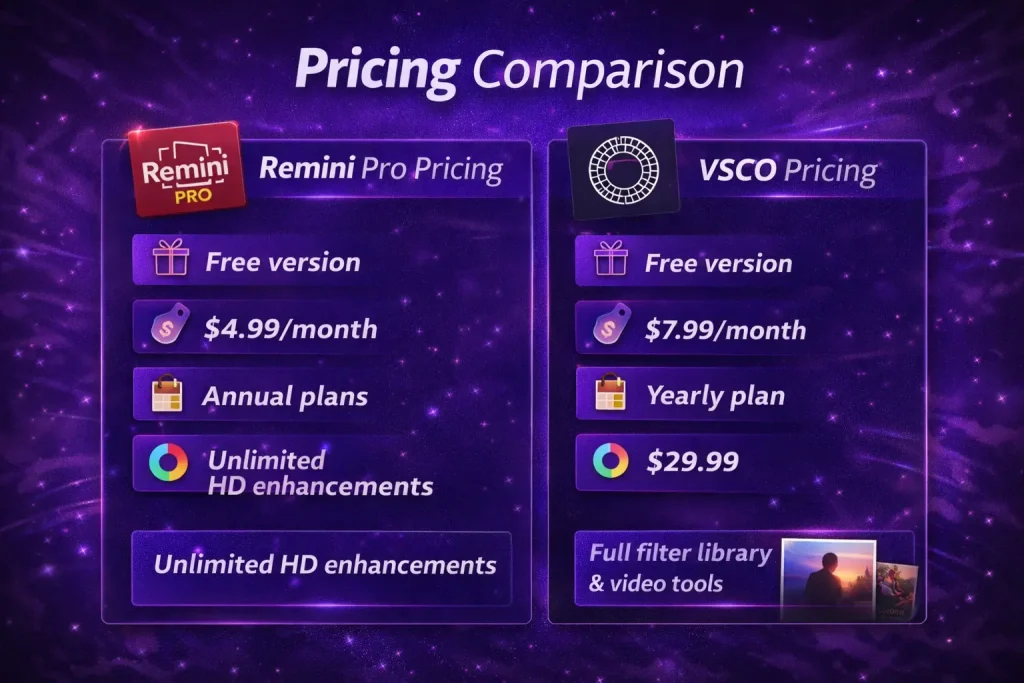
Remini offers a free version with limited features. The premium plan unlocks full AI capabilities.
Typical pricing includes:
- Free version with limited daily edits
- Around $4.99 per month for premium access
- Annual subscription options available
Premium users get unlimited HD enhancements and faster processing. You can access all premium features of Remini for free by using Remini Mod APK.
VSCO Pricing
VSCO also follows a freemium model.
The free version includes basic filters and editing tools, while the paid membership unlocks advanced presets and features.
Typical pricing:
- Free basic version
- Membership around $7.99 per month
- Yearly plan around $29.99
Premium membership includes the full filter library, video editing tools, and exclusive presets.
When Should You Choose Remini Pro?
Remini Pro is a great option if your main goal is improving photo quality.
You should choose Remini if you want to:
- Restore old photographs
- Fix blurry pictures
- Enhance facial details
- Improve low-resolution images
- Quickly edit photos with AI
Because of its automation, Remini is especially useful for beginners and casual users.
When Should You Choose VSCO?
VSCO is a better choice if you enjoy creative photo editing.
You should choose VSCO if you want to:
- Apply aesthetic filters
- Experiment with color grading
- Create a consistent Instagram style
- Manually adjust editing settings
- Share photos within a creative community
VSCO is particularly popular among influencers, photographers, and digital creators.
Can You Use Both Apps Together?
Interestingly, many photographers actually use both apps together.
A common workflow looks like this:
- Enhance photo clarity in Remini
- Import the improved image into VSCO
- Apply filters and creative adjustments
This combination allows users to get the best of both worlds: AI-powered clarity and artistic editing.
Final Verdict
When comparing Remini Pro vs VSCO, there is no single winner for everyone. The best choice depends on what you want to achieve with your photos. If your goal is to fix and enhance photo quality quickly, Remini Pro is the better option. Its AI tools make it incredibly easy to transform blurry or low-quality images into clear photos.
On the other hand, if you want creative control and aesthetic filters, VSCO is the stronger choice. The app provides powerful manual editing tools and a wide range of artistic presets.
In many cases, the smartest approach is not choosing one over the other. Instead, using both apps together can produce the most impressive results.
With Remini handling AI photo enhancement and VSCO adding creative finishing touches, you can create images that look both sharp and visually stunning.
Check out our guide on Remini Alternatives to have a detailed comparison of some of the most famous photo editing apps.