
Cancel Remini Subscription Without Losing Money
Subscribing to an app is easy. Canceling it without wasting money is where many users struggle. If you are using Remini and want to cancel your subscription without losing money, you are not alone. Many users cancel too late, misunderstand refund rules, or use the wrong cancellation method.
This guide explains exactly how to cancel your Remini subscription the right way, depending on whether you use Android, iPhone, or Remini Web. More importantly, it helps you avoid common mistakes that lead to unnecessary charges.
Understanding How Remini Subscriptions Work
Before canceling, it’s important to understand how Remini billing works. You can read our complete guide on Remini’s costs and subscription plans to avoid confusion.
Remini operates on a subscription-based model. Users usually subscribe through:
- Android devices via Google Play Store
- iPhone or iPad via Apple App Store
- Web subscriptions through Remini’s official website
Once you subscribe, Remini enables automatic renewal by default. This means your payment method is charged again unless you cancel before the renewal date.
Canceling early does not immediately stop access. You keep premium features until the current billing period ends.
The Biggest Mistake That Costs Users Money
The most common reason people lose money is waiting too long.
Canceling after the renewal date usually means:
- You are charged for the next billing cycle
- Refunds are not guaranteed
- Web subscriptions may not be refundable at all
The key rule is simple:
👉 Cancel at least 24–48 hours before the renewal date
This applies to both Android and iOS subscriptions.
Canceling Remini Subscription on Android (Without Losing Money)
If you subscribed on Android, your payment is managed by Google LLC, not Remini directly.
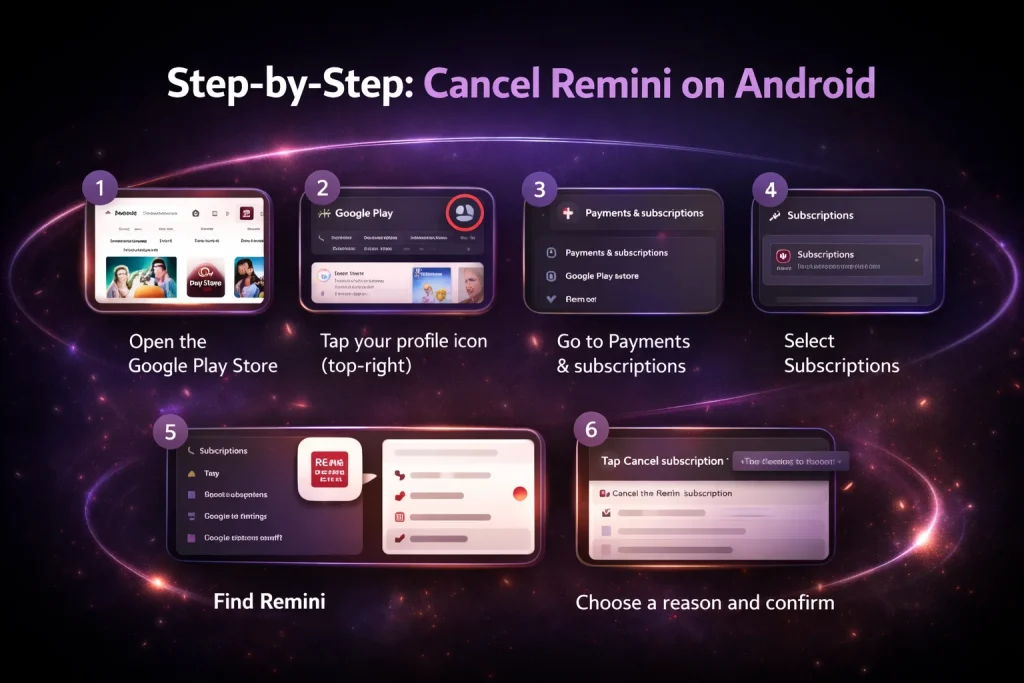
Step-by-Step: Cancel Remini on Android
- Open the Google Play Store
- Tap your profile icon (top-right)
- Go to Payments & subscriptions
- Select Subscriptions
- Find Remini
- Tap Cancel subscription
- Choose a reason and confirm
Once canceled, you will keep premium access until the end of your billing cycle.
How to Avoid Losing Money on Android
- Cancel before the renewal date
- Check the exact renewal time in Google Play
- Do not rely on uninstalling the app (this does NOT cancel billing)
If you cancel during a free trial, you will not be charged at all—as long as cancellation happens before the trial ends.
Canceling Remini Subscription on iPhone or iPad
If you subscribed using an Apple device, Apple controls billing—not Remini.
Step-by-Step: Cancel Remini on iOS
- Open Settings
- Tap your Apple ID (top)
- Select Subscriptions
- Find Remini
- Tap Cancel Subscription
- Confirm cancellation
Apple allows you to continue using premium features until the current period expires.
How to Avoid Losing Money on iOS
- Cancel at least 24 hours before renewal
- Always check the next billing date
- Do not delete the app without canceling
Apple is strict about refunds, so timing matters even more on iOS.
Canceling Remini Web Subscription: What You Must Know
Remini Web subscriptions work differently—and this is where many users lose money.
If you subscribed through Remini Web or platforms like yourplan.remini.ai, the terms are usually non-refundable once billed.
Key Things to Understand About Remini Web
- Charges before cancellation are non-refundable
- Canceling stops future billing, not past charges
- Refunds are rarely approved unless there is a billing error
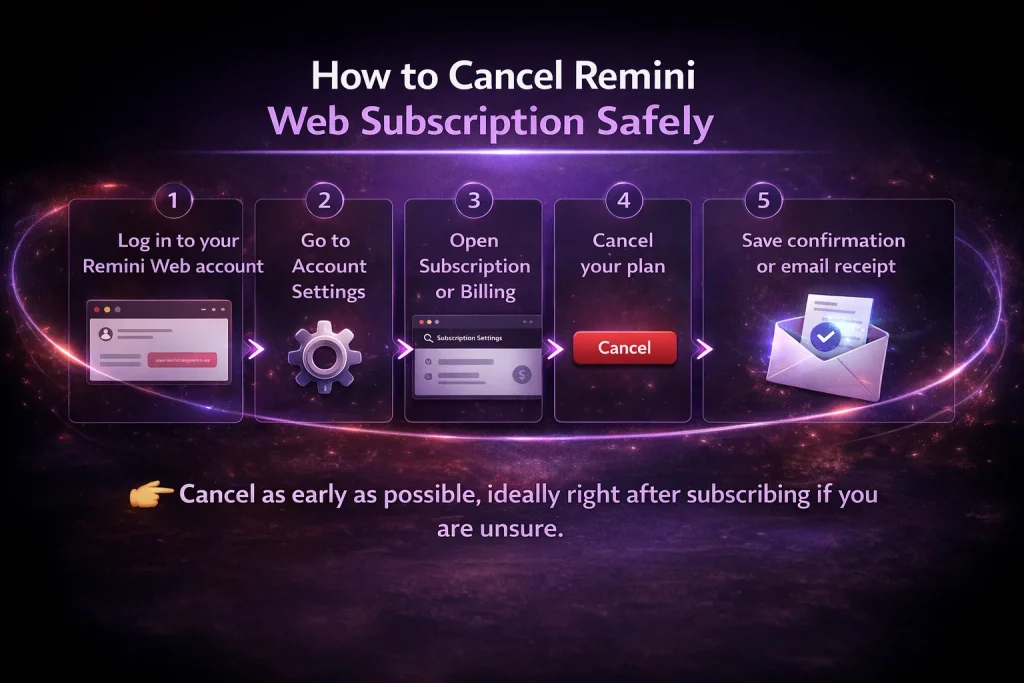
How to Cancel Remini Web Subscription Safely
- Log in to your Remini Web account
- Go to Account Settings
- Open Subscription or Billing
- Cancel your plan
- Save confirmation or email receipt
👉 Cancel as early as possible, ideally right after subscribing if you are unsure.
Can You Get a Refund After Canceling Remini?
Sometimes, yes—but it depends on the platform. Sometimes users cancel because the app stops working or shows errors.
If Remini is not functioning properly, check our guide on troubleshooting Remini Mod APKbefore requesting a refund.
Android Refund Possibility
Google may approve refunds if:
- You were charged by mistake
- The app has technical issues
- The request is made within a short time window
Refund requests are submitted through Google Play, not Remini support.
iOS Refund Possibility
Apple may approve refunds if:
- The app didn’t work as advertised
- You were unaware of auto-renewal
- The request is submitted quickly
Refunds are requested through reportaproblem.apple.com.
Web Refund Reality
Web subscriptions are usually non-refundable, except in rare billing disputes.
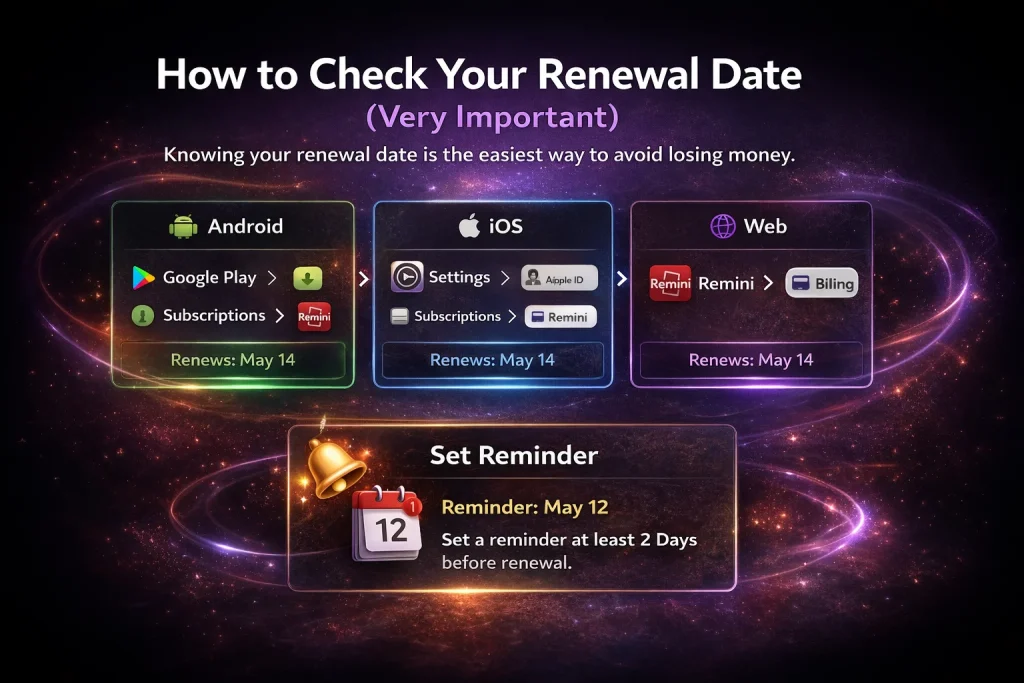
How to Check Your Renewal Date (Very Important)
Knowing your renewal date is the easiest way to avoid losing money.
- Android: Google Play → Subscriptions → Remini
- iOS: Settings → Apple ID → Subscriptions → Remini
- Web: Remini account → Billing section
Set a reminder at least 2 days before renewal.
What Happens After You Cancel Remini Subscription?
Many users worry that canceling will immediately remove premium features. That is not the case.
After canceling:
- Premium features remain active until the billing period ends
- No new charges occur
- Your account switches to free version afterward
This means you can safely cancel early without losing access.
Common Myths That Cause Unwanted Charges
“Deleting the app cancels the subscription”
❌ False. Billing continues until canceled through the store or website.
“Contacting Remini support cancels billing”
❌ False. Payments are controlled by Google, Apple, or web platforms.
“Canceling means I lose features immediately”
❌ False. Access continues until the period ends.
Understanding these points alone can save you money.
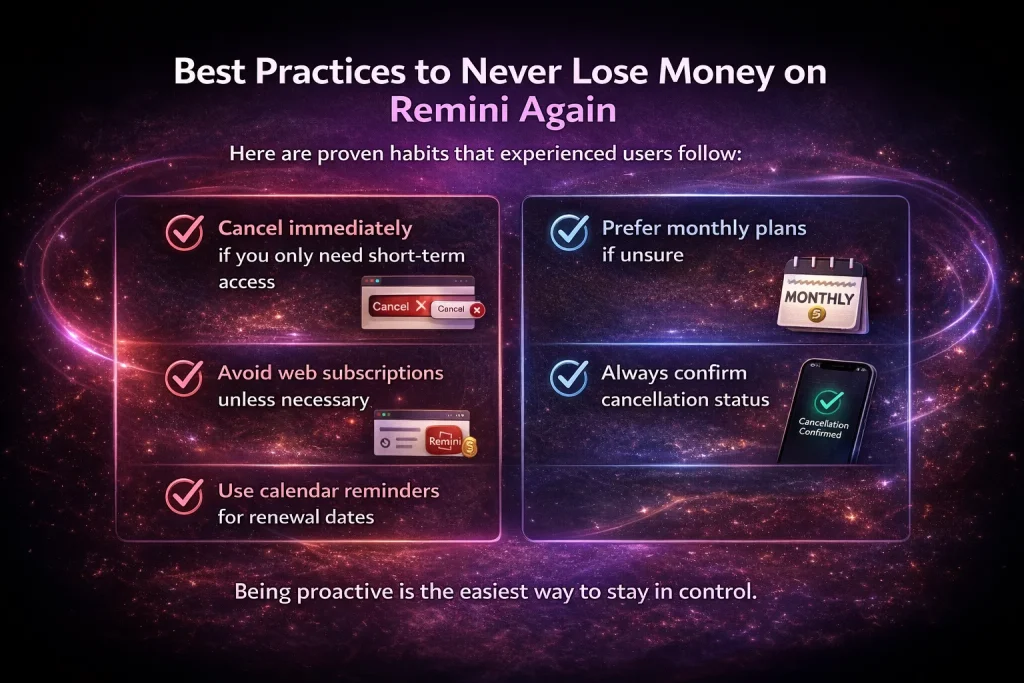
Best Practices to Never Lose Money on Remini Again
Here are proven habits that experienced users follow:
- Cancel immediately if you only need short-term access
- Avoid web subscriptions unless necessary
- Use calendar reminders for renewal dates
- Prefer monthly plans if unsure
- Always confirm cancellation status
Being proactive is the easiest way to stay in control.
Cancel vs Pause: What’s the Difference?
Remini does not currently offer a “pause” option. You can only:
- Cancel the subscription
- Resubscribe later if needed
This makes early cancellation even more important.
Final Thoughts
Canceling your Remini subscription without losing money is completely possible—if you do it the right way.
The most important things to remember are:
- Cancel before renewal
- Use the correct platform (Google Play, Apple, or Web)
- Never rely on uninstalling the app
- Web subscriptions require extra caution
Once you understand how Remini billing works, managing your subscription becomes simple and stress-free.
By following the steps in this guide, you can enjoy Remini’s features when you need them—and stop paying when you don’t.
If you’re canceling because Remini no longer fits your needs, there are many great options available. Explore our list of the best Remini alternatives to find a better solution.