
How AI Improves Photo Quality?
Photography has changed dramatically in the last decade. In the past, improving a low-quality photo required advanced editing skills and professional software. Today, Artificial Intelligence (AI) has made photo enhancement much easier. With just a few taps, AI-powered tools can sharpen images, restore old photos, and correct colors automatically.
Modern AI photo editing apps are designed to analyze images and improve them intelligently. Instead of manually adjusting every setting, the AI studies the photo, identifies problems, and fixes them in seconds. This is why millions of people now rely on AI tools to enhance their pictures for social media, personal memories, or professional work.
In this guide, we will explore how AI improves photo quality, the technology behind it, and why AI-based editing tools are becoming so popular.
Understanding AI Photo Enhancement
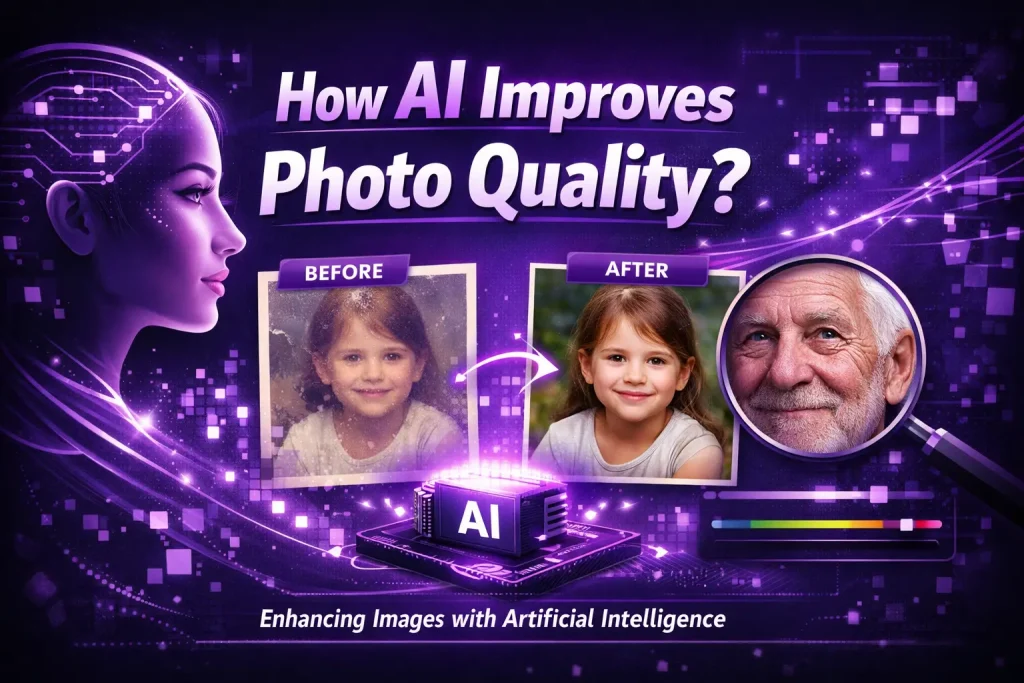
AI photo enhancement refers to the use of machine learning algorithms to improve the quality of an image. These algorithms are trained on millions of photos so they can recognize patterns, textures, and facial features.
When an image is uploaded to an AI photo editor, the system analyzes several elements such as:
- Sharpness
- Lighting
- Noise levels
- Facial details
- Color balance
- Image resolution
Based on this analysis, the AI automatically adjusts the image to make it clearer and more visually appealing.
Many popular mobile apps use this technology, including Remini and VSCO, which help users improve their photos without needing professional editing knowledge. You can check our our guide on Remini Alternatives to know more about such apps that help improve image quality.
Enhancing Image Sharpness
One of the most noticeable improvements AI can make is increasing image sharpness.
Photos often appear blurry due to camera movement, poor focus, or low resolution. AI tools can analyze the edges and textures in a photo and rebuild missing details. Instead of simply increasing contrast or sharpness, AI algorithms actually predict what the missing details should look like.
For example, when enhancing a portrait photo, AI can identify facial features such as:
- Eyes
- Eyebrows
- Skin texture
- Hair strands
The software then reconstructs these details to create a sharper image.
Apps like Remini are particularly well known for this feature. Their AI models specialize in face enhancement. Download Remini Mod apk to make transform portraits intoclear and high resolution.
Restoring Old or Damaged Photos
Another powerful benefit of AI is the ability to restore old photographs.
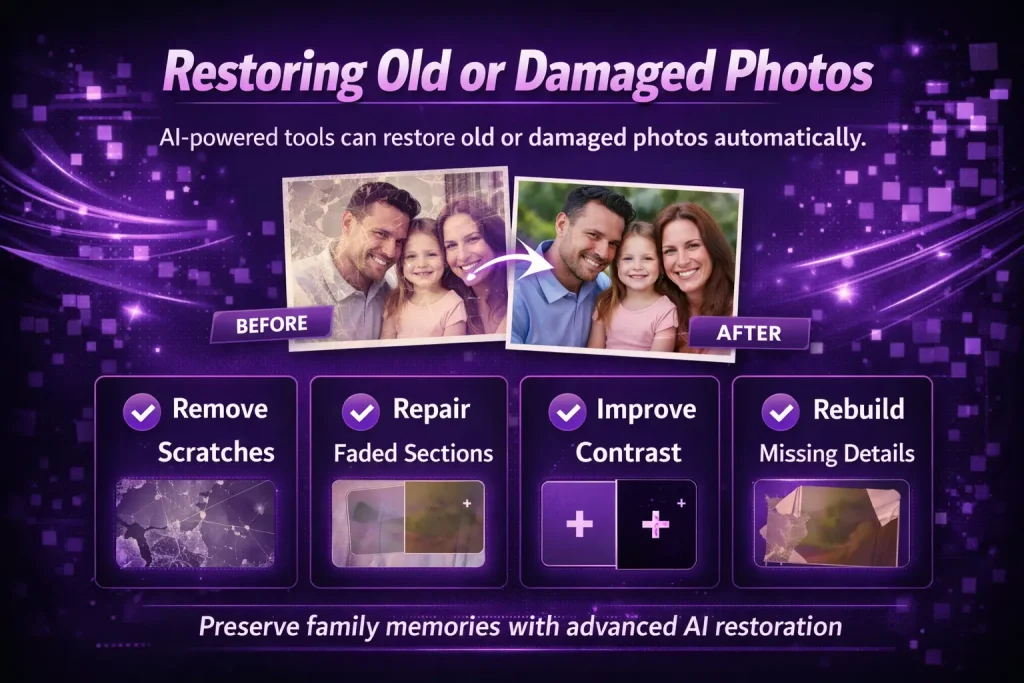
Many people have family photos that are faded, scratched, or blurry due to age. Traditional editing methods require hours of manual work to repair such images. AI tools can perform this restoration automatically.
AI restoration works by analyzing the damaged areas of a photo and reconstructing them using patterns learned from millions of images. The system can:
- Remove scratches
- Repair faded sections
- Improve contrast
- Rebuild missing details
In just a few seconds, an old photograph can look much closer to its original condition.
This technology has become extremely popular among people who want to preserve family memories or digitize historical photos.
Reducing Noise in Low-Light Photos
Low-light photography often produces images with digital noise, which appears as grainy dots across the picture.
Noise occurs when a camera sensor struggles to capture enough light. Traditional noise reduction tools blur the image to hide the grain, which can reduce overall detail.
AI takes a smarter approach. Instead of blurring the entire image, the AI analyzes which parts of the photo contain important details and which parts contain noise.
The system then removes unwanted grain while preserving:
- Facial details
- Textures
- Edges
This results in a cleaner image that still looks natural.
Many modern AI photo enhancement apps include advanced noise reduction tools that automatically improve photos taken at night or in dim lighting conditions.
Improving Colors and Lighting
Lighting and color balance are essential for good photography. Even a well-composed image can look dull if the colors are not accurate.
AI-powered editing tools analyze the color distribution of an image and adjust it intelligently. Instead of randomly increasing brightness or saturation, AI identifies areas that need improvement.
For example, the system may:
- Brighten dark areas without overexposing highlights
- Adjust white balance for more natural colors
- Increase vibrancy while keeping skin tones realistic
Some apps combine AI enhancements with creative editing features. For instance, VSCO allows users to apply aesthetic filters after improving the base image quality.
This combination of AI correction and creative editing helps photographers achieve more polished results.
Increasing Image Resolution
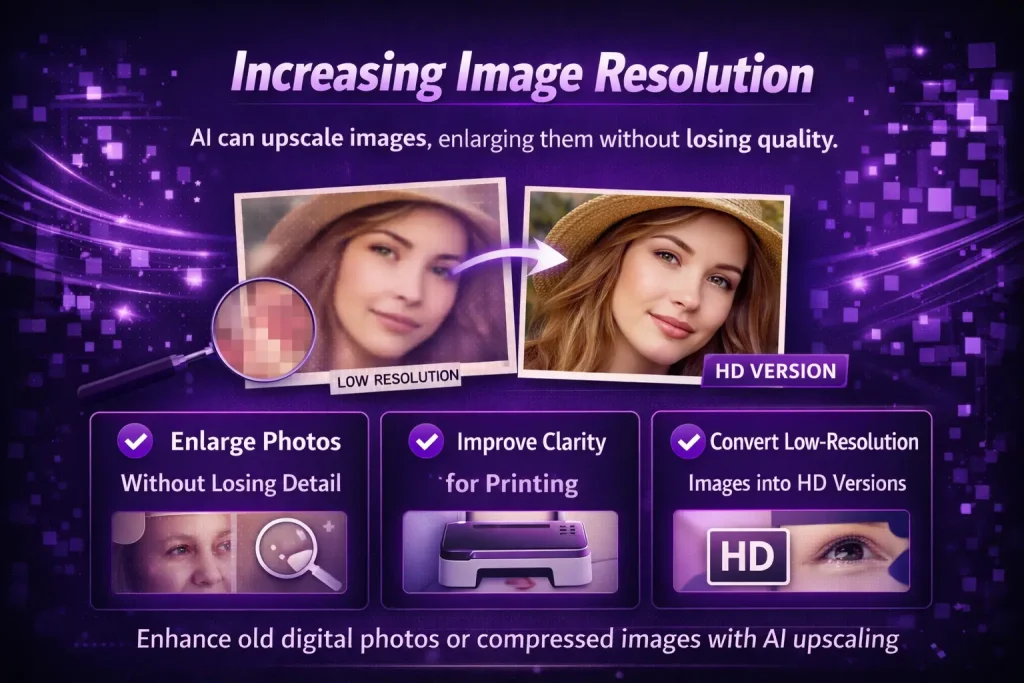
Another impressive capability of AI is image upscaling, which increases the resolution of a photo without reducing quality.
Normally, enlarging a small image causes pixelation because the software simply stretches existing pixels. AI upscaling works differently. It analyzes the image structure and generates new pixels based on learned patterns.
This allows the AI to:
- Enlarge photos without losing detail
- Improve clarity for printing
- Convert low-resolution images into HD versions
This feature is extremely useful when working with old digital photos or compressed images downloaded from the internet.
AI Face Enhancement
Portrait photography is one of the areas where AI truly shines.
Human faces contain complex details such as skin texture, lighting variations, and subtle expressions. AI models trained on millions of facial images can recognize these details and enhance them automatically.
AI face enhancement tools can:
- Smooth skin while keeping natural texture
- Brighten eyes
- Improve facial sharpness
- Balance lighting across the face
Apps like Remini specialize in portrait enhancement, which is why they are widely used for selfies and profile photos.
The goal is not to make the photo look artificial, but to enhance the natural features of the subject.
Automatic Background Improvements
Another way AI improves photo quality is by analyzing the background of an image.
Sometimes a photo may look dull because the background is too dark or cluttered. AI tools can automatically adjust background elements to create a more balanced image.
These tools can:
- Blur distracting backgrounds
- Adjust background brightness
- Remove unwanted objects
- Improve depth of field
Some AI editors even allow users to replace the background entirely, giving photos a completely new environment.
Speed and Convenience of AI Editing
One of the biggest reasons AI photo enhancement has become so popular is speed.
Traditional photo editing often requires advanced software and significant time. Professionals may spend minutes or even hours editing a single image.
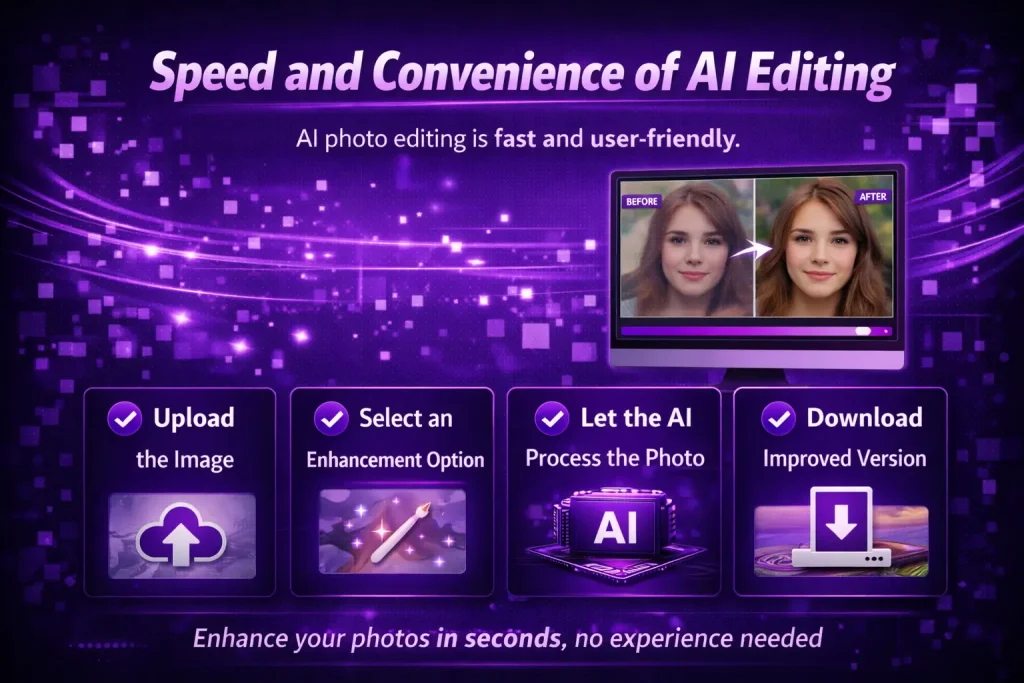
AI tools can produce impressive improvements in just a few seconds.
Typical workflow:
- Upload the image
- Select an enhancement option
- Let the AI process the photo
- Download the improved version
This quick process makes AI editing accessible to everyone, including beginners who have no experience with professional editing software.
AI Photo Editing for Social Media
Social media platforms have also played a big role in the growth of AI photo editing.
People want their photos to look sharp and visually appealing before sharing them online. AI tools make it easy to prepare images for platforms like:
Many creators use AI enhancement first to improve clarity, and then apply filters or aesthetic adjustments afterward.
This approach helps photos stand out in crowded social media feeds.
Limitations of AI Photo Enhancement
Although AI photo editing is powerful, it does have some limitations.
First, AI works best when the original image still contains some usable data. If a photo is extremely damaged or very low resolution, the improvement may be limited.
Second, excessive AI processing can sometimes make photos look over-edited or unnatural. For this reason, it is important to use AI enhancements carefully and combine them with subtle adjustments.
Finally, AI tools may not always match the artistic vision of a professional photographer. Creative editing decisions still require human judgment.
The Future of AI in Photo Editing
AI technology is evolving quickly, and photo editing tools are becoming more advanced every year.
Future AI editors may include features such as:
- Real-time photo enhancement while taking pictures
- AI-generated lighting adjustments
- Automatic scene detection
- More realistic photo restoration
Many smartphone cameras already use AI processing behind the scenes to improve photos instantly.
As this technology continues to develop, the gap between professional photography and smartphone photography will become even smaller.
Final Thoughts
AI has completely transformed the way people improve their photos. What once required professional skills and complex software can now be done automatically with AI-powered tools.
By analyzing images intelligently, AI can:
- Sharpen blurry photos
- Restore old pictures
- Reduce noise in low-light images
- Improve colors and lighting
- Increase image resolution
- Enhance facial details
Apps like Remini and VSCO demonstrate how powerful AI photo editing has become, making high-quality image enhancement accessible to everyone.
While AI cannot replace creativity and artistic vision, it provides a powerful starting point for improving photo quality. Whether you are restoring old family photos or preparing images for social media, AI tools make the process faster, easier, and more effective.
As AI technology continues to improve, the future of photography will likely become even more exciting. With smarter editing tools and advanced automation, creating stunning photos will become easier than ever before.